
A real composer
Photos, drawings and dictation; slash commands and @-mentions with live suggestions attached to the field; the model and reasoning pickers the rest of the app uses; interrupt mid-answer.
Messenger to your machine.
A native iOS client for Hermes Agent. Every conversation, bot, scheduled task, skill, tool and log line your install runs — carried in your pocket, built foundation-first in Swift 6.
Drag the staff to spin it
The whole install, natively
Cadu speaks the Hermes gateway directly — REST for the cold facts, a supervised WebSocket for the live ones. Twenty-odd sections of the desktop dashboard were taken apart and put back together in the language a phone actually speaks: lists, sheets, swipe actions, a toolbar menu, Face ID.
Conversations
The session list fans a listing out across every profile at once and merges the results, so a row carries the agent it belongs to and every write is aimed back at that agent. Pinned conversations lead any order; a job the scheduler started wears a Cron mark.
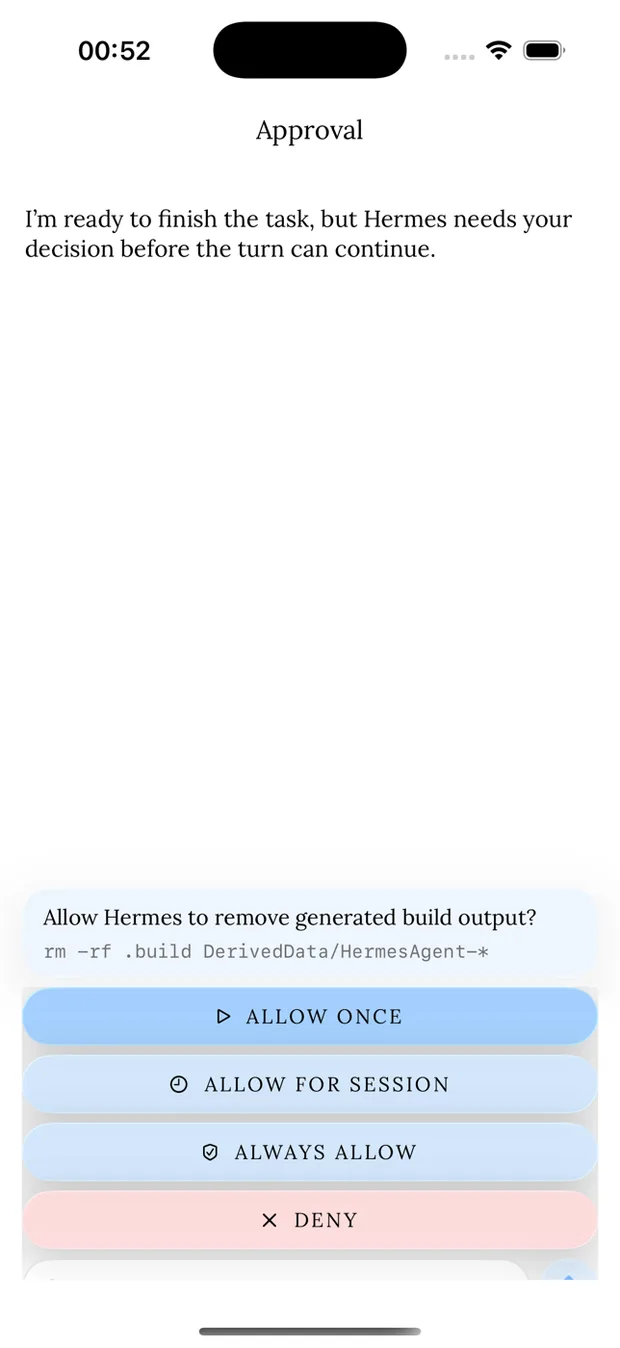
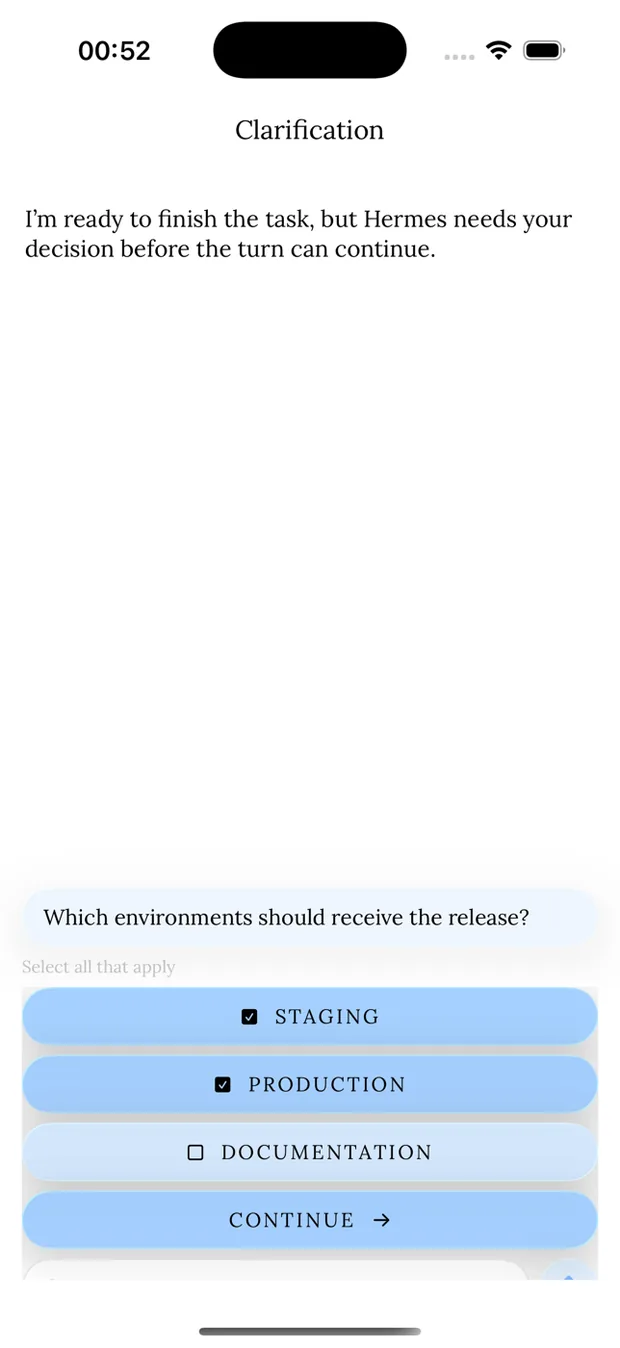
Photos, drawings and dictation; slash commands and @-mentions with live suggestions attached to the field; the model and reasoning pickers the rest of the app uses; interrupt mid-answer.
Generated images resolved from MEDIA: references, markdown or bare artifact paths, then fetched and swapped in as real attachments. Source files open in a syntax-highlighted viewer; anything else in QuickLook.
Reactions, threads, a session inspector, presentation-only display controls, per-conversation artifacts — and a SwiftData read-through cache so a thread opens before the socket does.
Bot Mode
Hermes Agent profiles rendered the way a messaging app renders people. Presence, recency,
custom names, geometric faces or uploaded and generated portraits, groups, and a preview of
the canonical chat — all read from profiles.list and profile assets, so every
client agrees on who's who.
Every bot opens its own server-pinned, hidden Bot Chat. A new bot introduces itself automatically, and /new compacts that chat instead of forking a fresh one.
Bounded two-to-six member rooms assembled by the app out of ordinary profile-scoped sessions, with their own lavender identity so a group never reads as a one-to-one.
Mention another bot and the turn is handed over — checked against the roster first, so a typo is a correction rather than a silently dropped message.
Create, duplicate, delete; edit capabilities, skills and portraits; browse a bot's own sessions and its bot-scoped routines. Every write stays profile-scoped through the gateway.
Automation
A switch per skill, filtered by state and category. Toggling is optimistic and puts itself back if the server refuses. A row opens its SKILL.md in an editor; the server validates the frontmatter and its complaint is what you read.
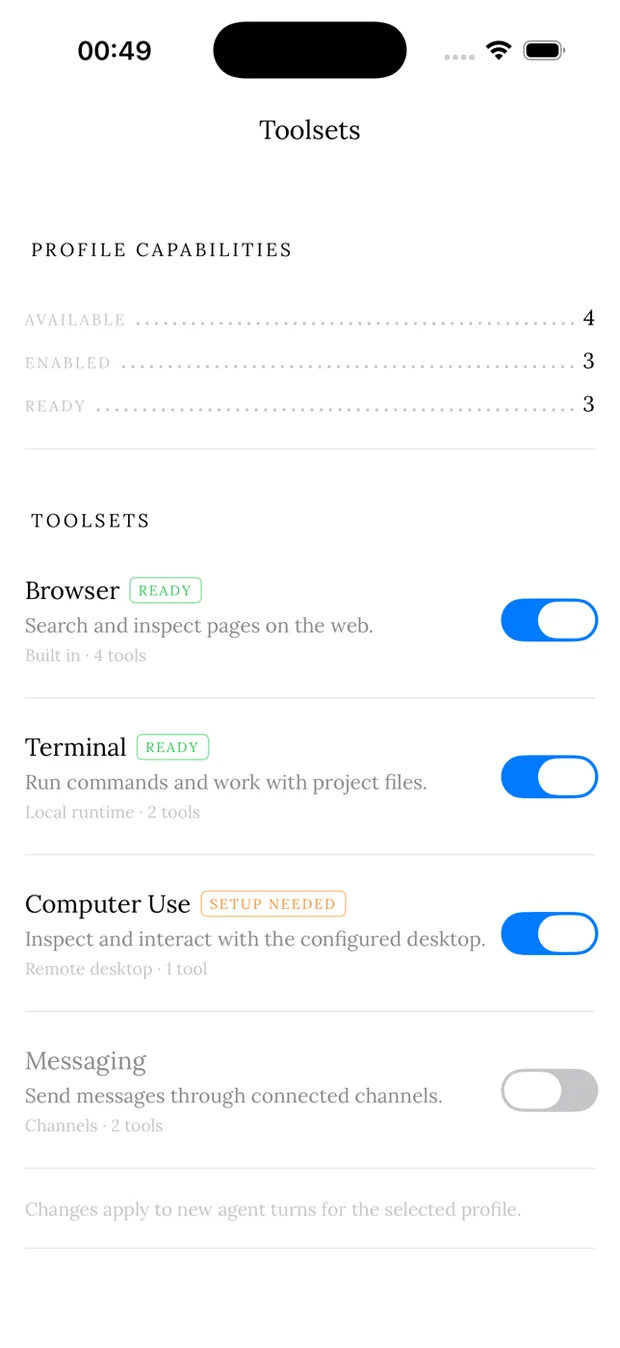
The tool groups Hermes exposes to one profile, switched natively through the shared management API.
Install by the same repository identifiers and Git URLs Hermes takes. Rows switch optimistically, expose updates only for Git-backed plugins, and permit removal only when the hub marks it safe.
Servers and the catalog they come from, each row showing in full what it actually connects to or runs. Enable, test and remove by swipe; a refusal is a result, not an error. OAuth is completed by the server — nothing to register on device.
Insight
Token, cost, model, skill and tool accounting straight from the profile database — with the auxiliary work most dashboards hide, like compression and vision passes, named and priced alongside the models you chose.
/api/status didn't confirm.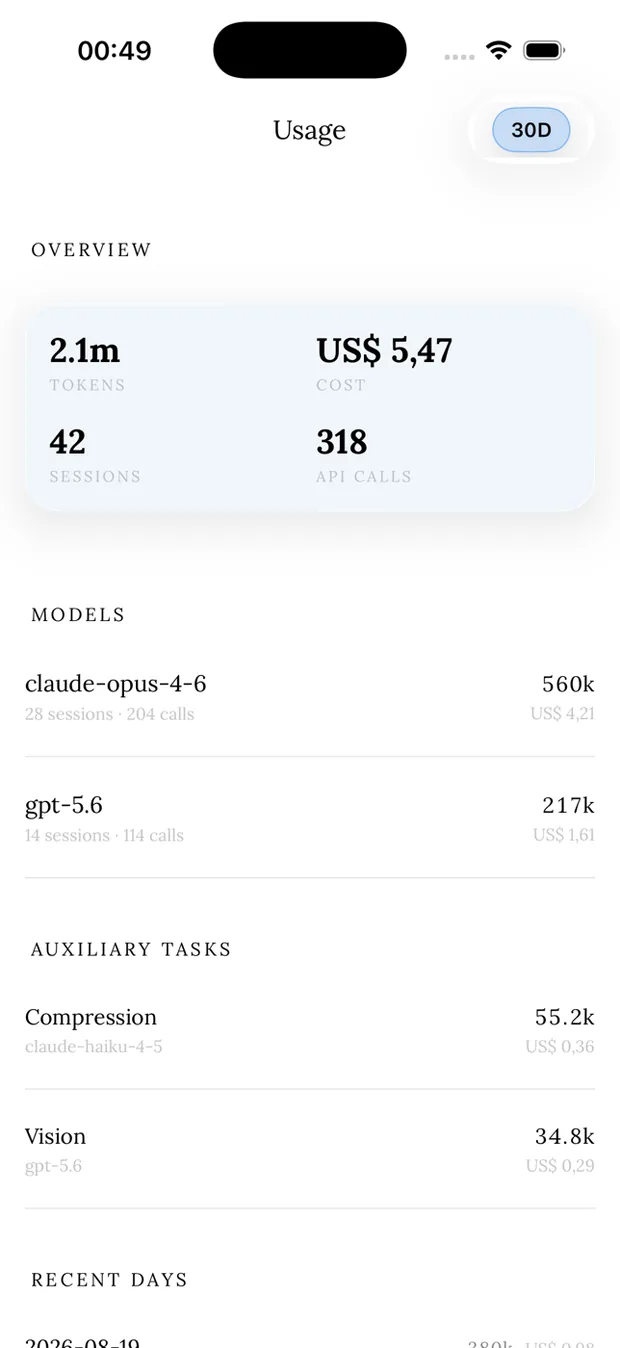
Everything else
Stored conversations across every agent, merged, filtered, sorted and pinned.
The roster, their forever-chats, groups and handoffs.
A hands-free conversation transcribed and spoken on device: silence sends, and speaking over the answer interrupts it.
Start a conversation rooted at a path on the connected host.
The durable outputs a conversation produced — images, files and links — mined from assistant and tool messages.
Hermes' managed files: listing, drilling in, sorting, preview, delete and new folder.
What new sessions will run and what recent ones did, through the same picker the composer uses.
Tokens, cost, sessions and API calls by model, skill, tool and day.
A tail of any of the six log files, by level, component and text.
Cron jobs and blueprints across every profile, with their run history.
Per-skill switches and a validating SKILL.md editor.
Profile-scoped tool groups.
Installed plugins, their state, source, version and updates.
Servers, catalog, probes, installs and the OAuth handshake.
Pending users with platform, identity and age; approve or revoke the whitelist.
Create, edit and switch agents, with avatars you can upload, generate or leave geometric.
Health, activity and maintenance for the connected install.
The Kanban plugin's board, each lane a horizontally paged card instead of seven squeezed columns.
The badges plugin as a collection hero, compact stat grid, tier legend and one readable card per badge.
One button installs the relay plugin and hook into every profile home, pairs the device and bounces the gateway.
Any number of installs, address, account and password together in the Keychain.
Face ID in front of everything, with a grace period and a passcode fallback.
What Hermes is, how it should look, and the commands that prove the install is reachable.
Questions
Yes. Cadu is a client, not a service — it talks to a Hermes Agent installation you run. Point it at the address, and it probes /api/status before asking for a password, so an unreachable host reports as unreachable rather than as a failed login.
As many as you like. Each saved instance carries its address, its account and — if you asked it to — its password, together as one Keychain item. Tapping a saved instance fills the form in and connects.
Only push notifications, and only if you switch them on: the relay knows which devices an install key fans out to, and the notification itself is posted by your own install's adapter. Everything else is a direct connection between the app and your host.
Retryable failures reconnect with exponential backoff and full jitter, and the stored session resumes — a train tunnel costs you a pause, not a conversation. Transcripts are cached on device, so a thread opens before the socket does.
Yes. The same sections run behind a sidebar on a regular width and behind a three-slot tab bar on a compact one, and which three sections those are is yours to choose.
Cadu is in open beta on TestFlight. Point it at a Hermes Agent install and it starts talking — the address is probed before a password is ever asked for, so an unreachable host reports as itself.